

Apple Watch
Your LTG essentials on Apple Watch.
A DAY WITH LTG / Your essentials, along for the day
Check your progress, log food and water, or record a walk from Apple Watch. It syncs with LTG on your iPhone.
LTG ON APPLE WATCH
Your essentials.
A wrist away.
- Check steps and daily quests
- Log food and water
- Record walks and runs
- Use watch-face complications
How it works
How to use it
The LTG Apple Watch app puts your day on your wrist. See your steps and today's quests, log food and water, start a walk, run or strength session, and check your rank in a Crew challenge. Complications keep today's progress on your watch face. Your iPhone looks after your account and syncing, and the watch app is free.
- 01
Log food and water
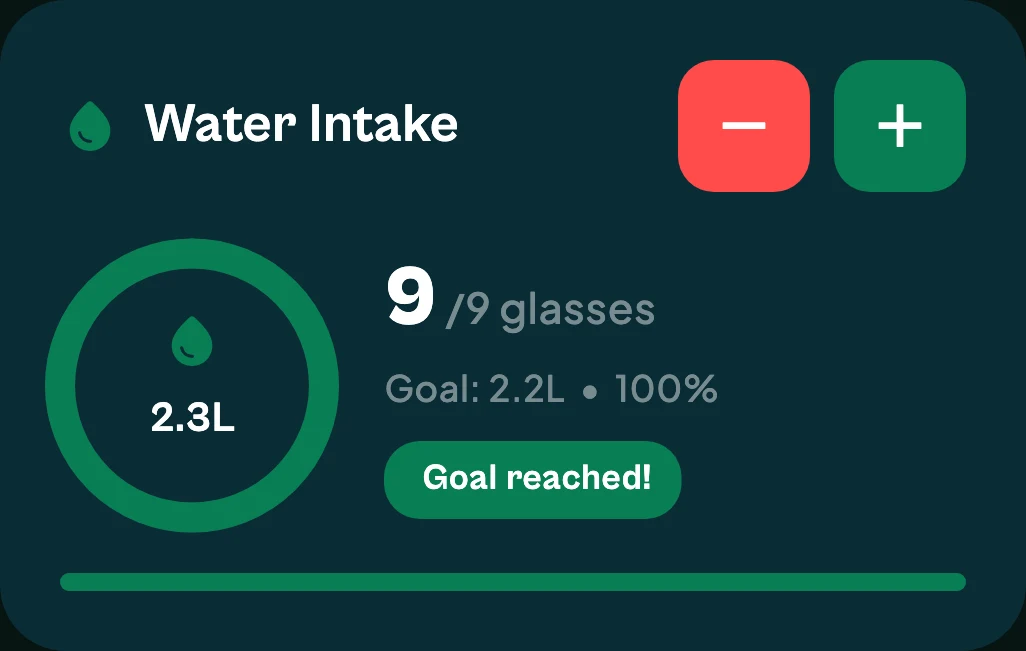
Add water or food from the watch and your iPhone updates the day.
- 02
Steps and quests at a glance
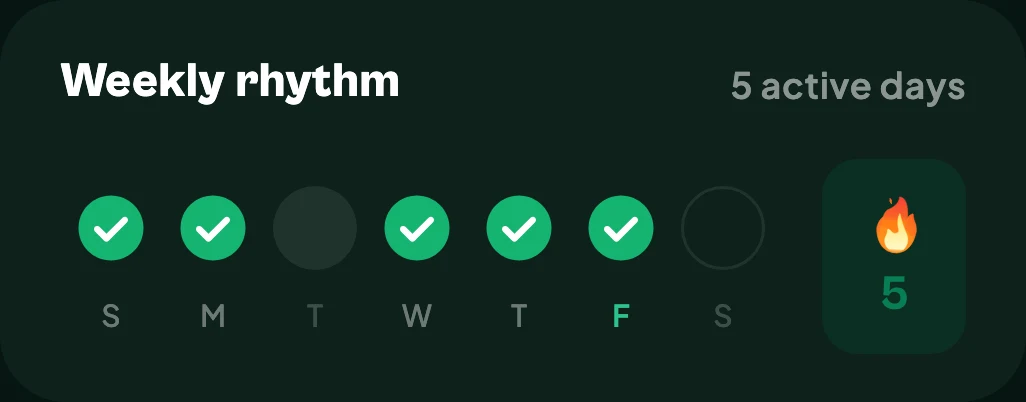
See today's steps and quests without reaching for your phone.
- 03
Record a session
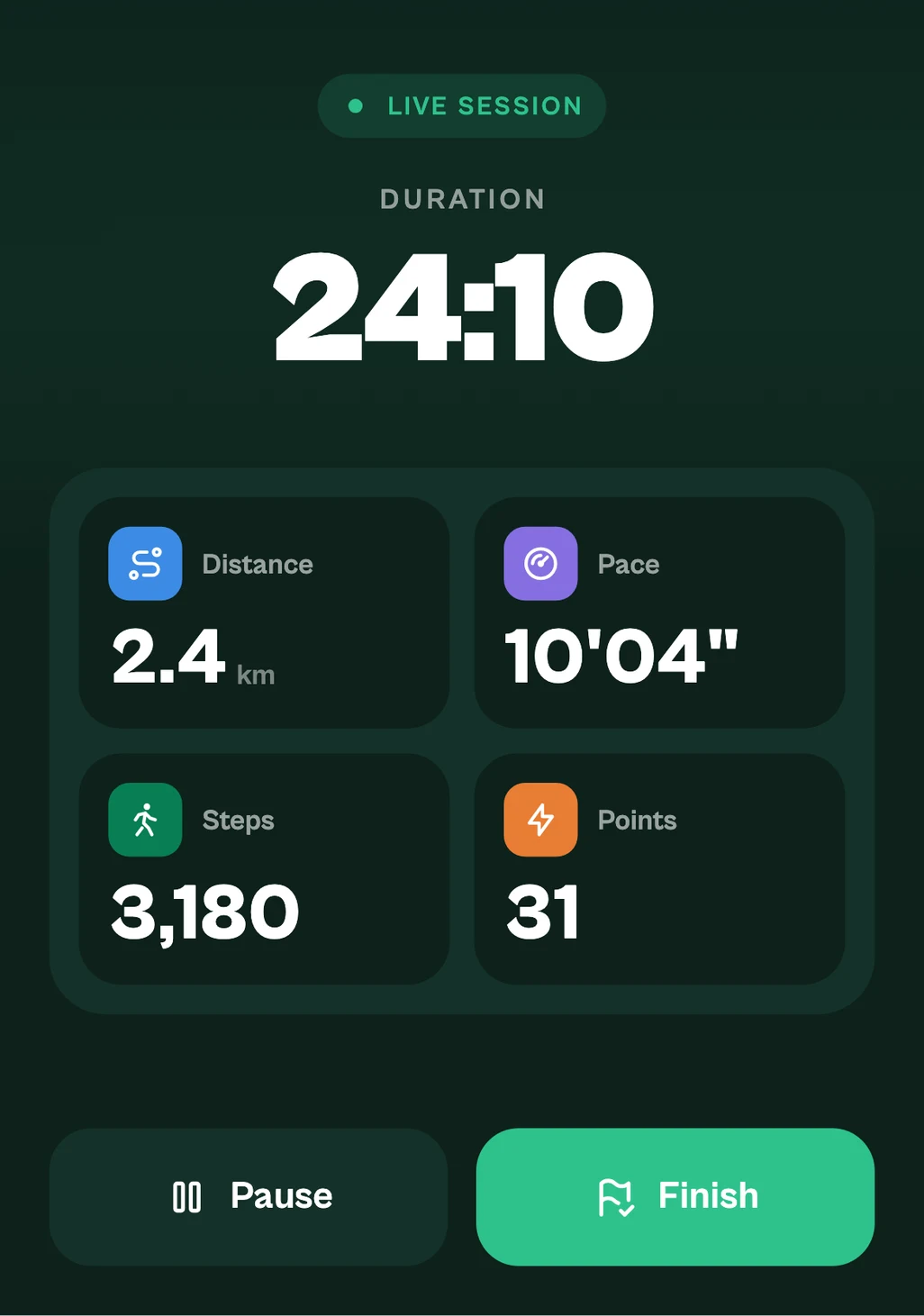
Start a walk, run or strength session on the watch. Sessions are saved to Apple Health.
- 04
Six complications
LTG Today, Steps, Hydration, Calories, Move and Quests, for the watch faces you use.
Good to know
The details that matter
Needs your iPhone
The watch app works with LTG on your iPhone, which handles sign-in and syncing. It needs watchOS 10 or later.
Android watches
There is no LTG app for Wear OS watches yet.
Questions
Apple Watch: questions
Do I need an Apple Watch to use LTG?
No. LTG works on its own on iPhone and Android. The Apple Watch app is optional.
Does the watch app need LTG Pro?
No. The Apple Watch app and its complications are free.
What can I do on the LTG Apple Watch app?
See your steps and today's quests, log food and water, record a walk, run or strength session, and check your rank in a Crew challenge.
Which complications are there?
Six: LTG Today, Steps, Hydration, Calories, Move and Quests.
Which watchOS version do I need?
watchOS 10 or later, with LTG installed on your iPhone.
YOUR NEXT CHAPTER
Get LTG Lifestyle.
Get meal logging, steps, water and daily habits together on iPhone or Android.


Free to download on iPhone and Android.