

AI meal scan
Scan your meal. Check the details.
A DAY WITH LTG / Something to nourish you
Photograph your plate for an AI estimate of calories and macros. Review the foods, adjust the servings and save when you’re ready.

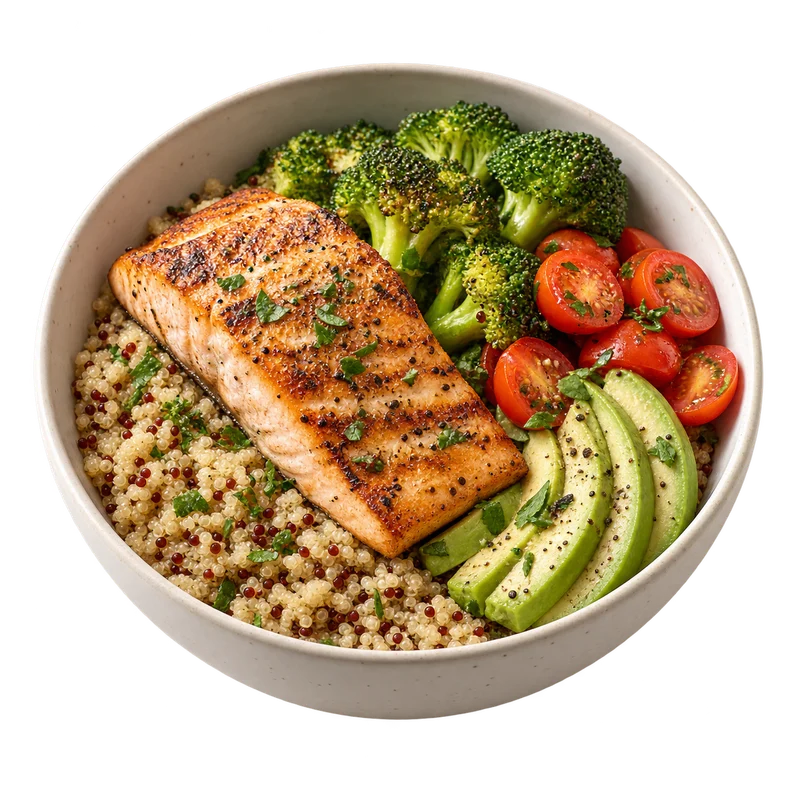
Named the way you know them
LTG's meal scan knows local dishes. When your phone's language or region points to a country, the scan uses that country's names for what it recognises, so banku, fufu and kenkey are named as themselves rather than as bread. It works across many cuisines, including these.
- Ghanaian
- Nigerian
- Kenyan
- Indian
- Mexican
- Japanese
- and many more
How it works
How to use it
Take a photo of your meal and LTG lists the foods it can see, each with an estimated serving and calories, plus an estimated protein, carb and fat split. You review the result, change servings or remove items, and only then save it to your day. An estimate is a guide, not a precise measurement: portion size, hidden ingredients like oil or sugar, and how a dish is cooked all change the real numbers.
- 01
Photograph the meal
Use your camera or choose a photo. A clear view of the whole plate gives the scan the most to work with.
- 02
See what LTG found
Detected items lists each food with an estimated serving and its calories, followed by an estimated split of protein, carbs and fat.
- 03
Review and adjust
Change the number of servings or remove an item that isn't on your plate. Nothing is logged until you save.
- 04
Save it to today
The meal joins your day's calories and macros, alongside anything you log by hand.
Good to know
The details that matter
Free and LTG Pro
Free accounts get one meal scan a day, on up to 90 scan days. LTG Pro removes the limit. Manual logging is always free.
Estimates, not measurements
Scans estimate what a photo shows. Sauces, oils, fillings and portion size are easy to misjudge, so check every result before you save it.
Local dish names
The scan identifies food from what it sees. Your phone's language and region, and your location if you've already allowed it, only help it choose the local name for a food, such as banku, fufu or kenkey.
Where your photo goes
To produce an estimate, your photo is sent to an AI provider: Google Gemini for free scans, OpenAI first for LTG Pro scans. The privacy policy explains how meal photos are handled and stored.
Questions
AI meal scan: questions
How accurate are meal scan estimates?
Take a photo of your meal to get an AI estimate of calories and nutrients. Review the result and adjust it before saving. Estimates can vary with ingredients and portions; they are a guide, not a precise measurement.
How many meal scans do I get for free?
Free accounts can scan one meal a day, on up to 90 scan days. LTG Pro gives you unlimited scans. You can always log meals by hand without scanning.
Does the meal scan know local dishes?
Yes. The scan names foods the way they are known locally, using your phone's language and region as a tie-breaker. It covers cuisines from Ghana, Nigeria, Kenya, India, Mexico, Japan and many other countries.
Where does my meal photo go?
Your photo is sent to an AI provider to produce the estimate: Google Gemini for free scans, and OpenAI first for LTG Pro scans. The LTG privacy policy explains how meal photos and thumbnails are stored and deleted.
YOUR NEXT CHAPTER
Get LTG Lifestyle.
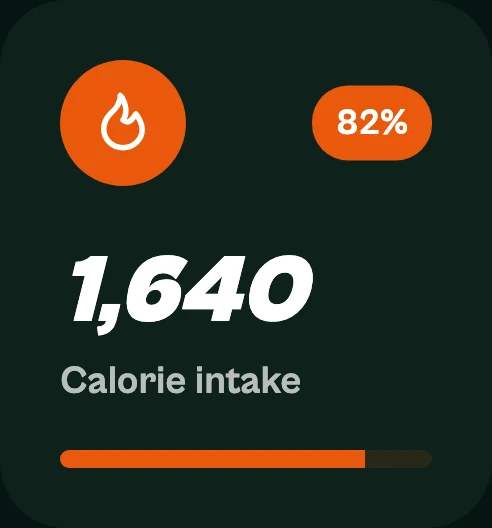
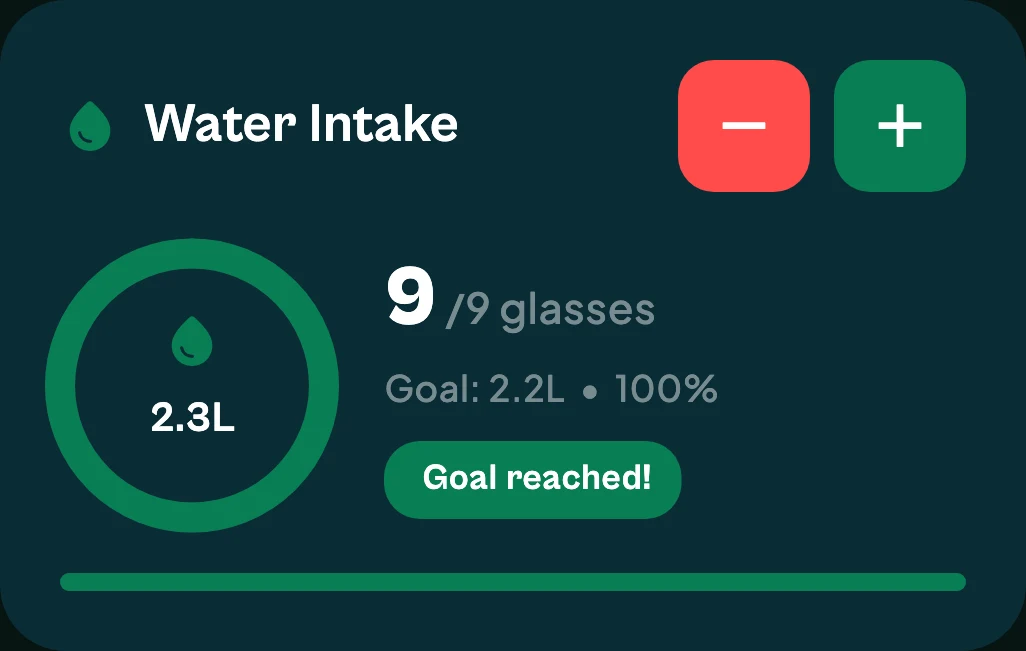
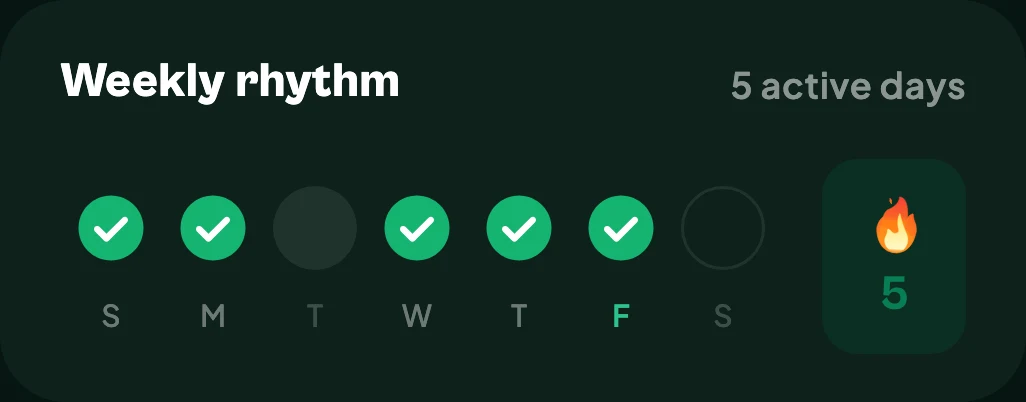
Get meal logging, steps, water and daily habits together on iPhone or Android.


Free to download on iPhone and Android.